.svg)



Dynamics AX, NAV and Dynamics 365 Upgrade Services for UAE and Saudi Arabia




Why Upgrade to Microsoft Dynamics 365?
Move to a secure, scalable cloud platform with better flexibility, automation, and long-term savings. Migrating from Microsoft AX to Dynamics 365 isn’t as easy as it sounds. Analyzing new software infrastructure, planning to upgrade older versions, preparing for additional customizations, and checking on for optimal ability are just a few of the complexities involved. There’s a lot more that can make the entire porting process tiring and exhausting.

Intricate customizations and integrations
Bringing your integrations, customizations, and legacy apps from AX to a new environment requires thorough vetting to determine if it can be migrated as-is or reimplemented like a fresh solution.

Problematic data and other key components
Starting with incomplete, disorganized, or inaccurate data sets can easily mess things up. It prevents your business from reaping the benefits of the Dynamics 365 migration to the fullest.

Change management that can get tricky
Migrating from any on-premise solutions to the cloud isn’t just technological shift but cultural too. Resistance from the team can undermine your migration efforts, making it difficult to succeed long-term.

Transitioning outdated versions can pose issues
Extracting data from AX and reimplementing them in Dynamics 365 needs in-depth assessment and expertise. While reconfiguring might sound like a safe bet, it can make the processes more complicated.

Problems with planning and business continuity
The entire migration plan requires proper planning and without it, things can quickly turn topsy-turvy. The end result isn’t just added cost and operational inefficiency but a lot more that directly affects business growth.

Geographic location poses a potential roadblock
Worksites in far off locations, remote places, or areas with bad internet connectivity can make the entire migration process from AX to Dynamics 365 challenging.

Dynamics AX 2012 to Dynamics 365 upgrade services in UAE and Saudi Arabia
Terracez supports organisations moving from Dynamics AX 2012, Dynamics NAV and legacy Dynamics 365 environments to a modern Dynamics 365 platform. The engagement begins with upgrade readiness, process and operating-model review, data and customisation assessment, governance design and cutover risk before technical execution.
Who it is for
Organisations in the UAE and Saudi Arabia running AX 2012, NAV or older Dynamics 365 environments where operational continuity, customisations, integrations and data quality make a simple technical migration too risky.
Systems we assess
Dynamics AX 2012, Dynamics NAV, legacy Dynamics 365 deployments, related integrations, reporting layers, custom code and data dependencies.
Assessment outputs
Upgrade path recommendation, customisation disposition, data and integration risk register, governance model, cutover approach, business-continuity considerations and a phased mobilisation plan.
The Upgrade Challenge Executives Face
Organisations running legacy Dynamics AX, Dynamics NAV, or older Dynamics 365 deployments face a recurring challenge. The system that was implemented five or ten years ago was built around processes, structures, and decisions that no longer reflect how the business operates — or how it needs to operate.
- The organisation can migrate what exists to a newer version of the platform.
- Or it can use the upgrade as an opportunity to redesign how the business operates.
Most organisations default to the first option. The migration is completed. The system is newer. The underlying problems remain.
The organisations that extract genuine value from an upgrade treat it as a transformation programme:
- They assess what is working and what is not.
- They redesign processes and redefine ownership.
- They use the upgrade to build the operating model they should have built the first time.
Dynamics AX 2012 to Dynamics 365: What Must Be Resolved Before Migration
An AX 2012 upgrade should not begin with code conversion. It should begin with a structured decision on what to retain, retire, redesign or replace. Terracez assesses the operating model and upgrade dependencies before the technical work begins so legacy complexity is not simply moved into Dynamics 365.
Customisations and integrations
Catalogue AX 2012 custom code, ISV solutions, interfaces and reporting dependencies. Each item should have an explicit disposition: standard Dynamics 365 capability, redesign, replacement, reimplementation or retirement.
Data and configuration
Identify data-quality issues, historical-data requirements, chart-of-accounts implications, master-data ownership and configuration decisions before migration cycles begin.
Cutover and continuity
Define rehearsal cycles, reconciliation controls, business blackout windows, fallback decisions, hypercare ownership and the minimum operational capability required to protect finance, supply chain and project operations through go-live.
Governance and adoption
Agree decision rights, process ownership, executive escalation, training responsibilities and post-upgrade adoption measures before technical delivery accelerates.
The Terracez Dynamics 365 Upgrade Methodology




- Executive alignment on what the upgrade should achieve beyond technical migration
- Assessment of the current system: customisations, integrations, data quality, and technical debt
- Operating model review: what has changed in the business since the original implementation?
- Process ownership assessment: are the right people accountable for the right processes?
- Identification of transformation opportunities the upgrade can enable
- Risk assessment for data migration, cutover, and business continuity
- Dynamics 365 Upgrade Readiness Report
- Customisation Rationalisation Assessment
- Transformation Opportunity Map
- Data Migration Risk Assessment
- Business Continuity and Cutover Plan
- Future-state process design for functions where the current model is inadequate
- Customisation decisions: what to retain, what to retire, what to replace with standard functionality
- Data governance and master data redesign
- Integration architecture review and redesign where required
- Customisation migration or rationalisation
- Data cleansing, transformation, and migration
- Integration redevelopment or reconfiguration
- Configuration aligned to the agreed future-state operating model
- Testing strategy: unit, integration, user acceptance, and performance
- Training design and delivery for changed processes and new capabilities
- Cutover planning and Go-Live management
- User adoption monitoring and intervention
- Executive adoption and reporting quality
- Process compliance measurement
- Business KPI tracking against the agreed Success Framework
- Continuous improvement programme
- Ongoing Alignyx monitoring for transformation health
Why Dynamics 365 Upgrades Fail: The Stakeholder Alignment Problem
How Alignyx Supports Dynamics 365 Upgrade Programme Alignment
Baseline Alignment Assessment
Establishes the current state of executive alignment before the upgrade begins, identifying misalignment risks that need to be resolved before migration activity starts

Executive Dashboard
Gives programme sponsors real-time visibility into alignment health, governance maturity, and readiness signals across the upgrade programme

Transformation Governance Monitoring
Tracks whether governance structures are functioning — decisions are being made, escalations are being resolved, and business ownership is being maintained

Business Readiness Tracking
Monitors readiness across affected business functions as the upgrade progresses, flagging deterioration before it affects Go-Live

Post-Upgrade Adoption Monitoring
Tracks adoption of new capabilities after migration, ensuring that the upgrade delivers the intended operational improvements
When Alignyx identifies misalignment in any of these dimensions, it surfaces the signal to executive leadership before it becomes a programme risk. This is the difference between identifying a governance problem in week three of assessment and discovering it in month eight of implementation.

The Upgrade Alignment Programme
Terracez structures stakeholder alignment as a dedicated workstream alongside the technical migration, governed at executive level. Key activities include: • Pre-upgrade alignment workshops to agree transformation objectives and accountabilities • Operating model reviews to identify required process and ownership changes • Governance design covering decision rights and escalation paths • Continuous alignment monitoring through Alignyx • Post-migration reviews to assess sustained alignment and adoption The objective is to ensure the upgrade changes how the business operates, rather than simply moving the existing operating model onto a newer platform.

What Terracez Manages in an Upgrade Engagement
Key Considerations for GCC Dynamics 365 Upgrade Programmes
Consideration

Terracez Approach
What You Gain From Upgrading to Dynamics 365 - A game-changer for your business
Yesterday’s digital architecture won’t meet today’s need for flexibility, innovation, and speed. That’s why upgrading your older version to Dynamics 365 is more important than ever. From enhanced security to efficiency to saved costs, the upgraded version will let your business reap benefits in unexpected ways.
Start Your Upgrade Risk-Free.

Have your CRM, ERP, IoT, Business Intelligence (BI), and everything else at one location – on the cloud. Enable seamless access so everyone in the ecosystem can work from anywhere, together.

Microsoft takes full responsibility for updating and monitoring not just the platform but also the applications. This helps your business eliminate investing on additional systems or on-premises server costs.

No more planning for server space because Dynamics 365 tackles care of that. Effortlessly scale up or down based on your requirements. Have the flexibility to pick from on-cloud, on-premise, or hybrid platforms.

With cloud-based apps, hacks and malicious threats are never a question. Dynamics 365 is more secure. It monitors and counter-attacks every active threat 24/7 to ensure nothing goes down.

With cloud, your platform is accessible and compatible. Since Microsoft standardizes these apps, they seamlessly work with a SSO (Single Sign-On) and are integrated exceptionally.

The beauty of Microsoft 365 is that it launches platform updates once in 3 months whereas application updates once in 6 months, which enables businesses to stay on top with the latest technology.




Who This Is For
Dynamics 365 upgrade and migration services from Terracez are designed for:

CEOs and Transformation Directors

CFOs and Finance Directors

COOs and Operations Directors

CIOs

PMO Directors
managing complex, multi-workstream transformation programmes
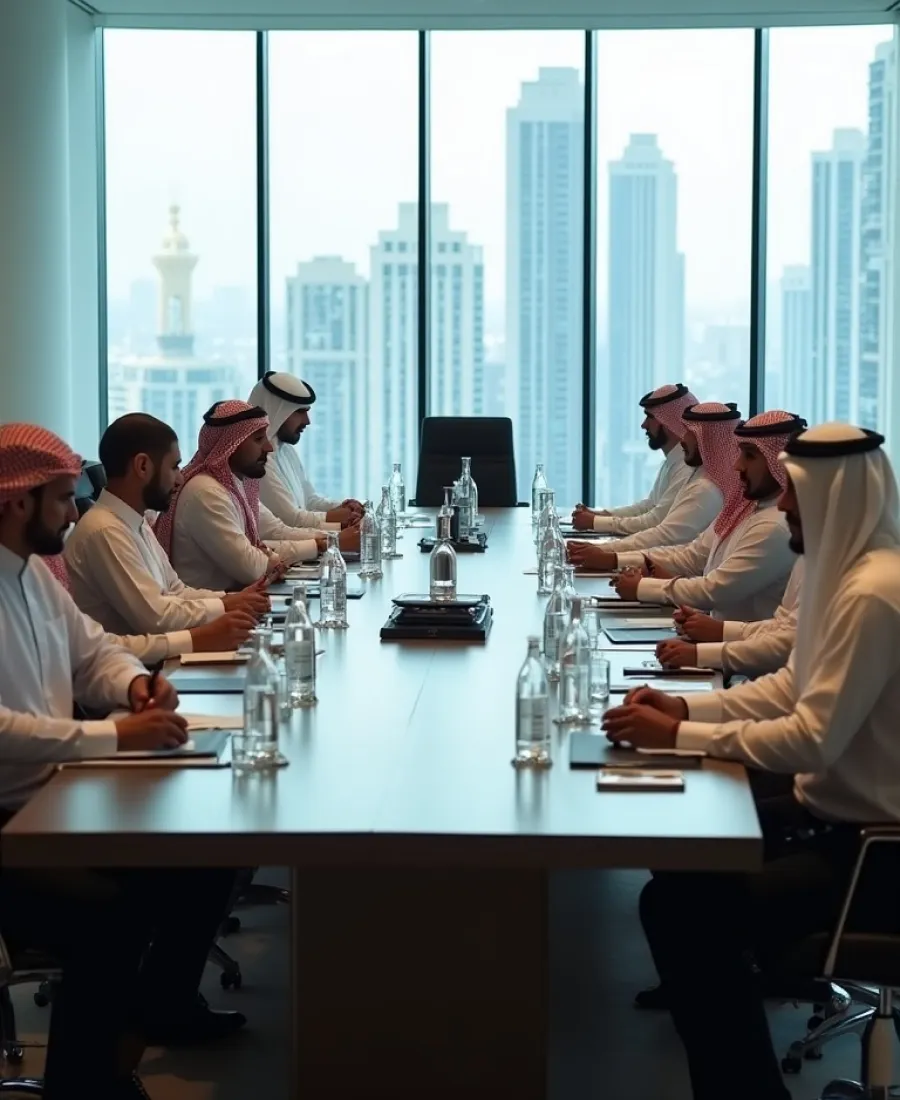
Organisations across GCC
implementing Dynamics 365 for the first time or replacing
Trusted by brands across industries

"Terracez helped us to achieve the business critical requirement of upgrading AX 2012 to D365 within our timelines. It was important for us to completely upgrade in 2 months which they achieved well before, where other MS partners told was not possible to do."
"Terracez team is a great consultancy, which follows an agile approach to solve any kind of business issues. We are adding a lot of automation with their experienced and highly-skilled team in the manufacturing domain."
"We wanted a partner to support in transitioning SATS’ processes to comply with the new regulation quickly. Terracez understood our business and helped us in enabling the process efficiency without compromising on compliance."

Dynamics 365 Upgrade FAQs
How long does an AX 2012 to Dynamics 365 upgrade take?
The timeline depends on customisations, integrations, data quality, legal entities, testing scope and how much process redesign is required. Terracez establishes these dependencies during readiness assessment before committing to a delivery plan.
What drives Dynamics 365 upgrade cost?
The main cost drivers are custom code, integrations, data migration complexity, reporting requirements, number of entities and environments, testing effort, process redesign, localisation requirements and cutover support.
What happens to AX 2012 customisations?
Customisations should not be migrated automatically. Each one should be assessed against current business need and standard Dynamics 365 capability, then retained, redesigned, replaced or retired with an explicit business owner and rationale.
How do you reduce cutover risk?
Reduce cutover risk through rehearsal migrations, reconciliation criteria, named decision owners, operational readiness checks, rollback decisions, controlled blackout windows and a defined hypercare model.
How do you protect business continuity during an upgrade?
Business continuity is designed into the programme by identifying critical operational processes, integration dependencies, reporting requirements and fallback procedures before go-live. Technical cutover should proceed only when business readiness and continuity controls are acceptable.
Is Your Organisation Ready to Use the Dynamics 365 Upgrade as a Transformation Opportunity?